Since Rozetka has an in-app chat feature, many users ask their questions there. And to respond to them all in one place, you can connect Rozetka chats to keyCRM!
If you only need chats, turn off the source after configuration and enable only the chat channel.
How to add Rozetka to your communication channels
Go to «Settings» → «Communications» → «Chats / SMS / Email» and click the «Add new channel» button.
A connection window will appear. On the «General» tab, fill in the following fields:
-
Title — enter any name for the channel;
-
Channel — select «Marketplace Chats»;
-
Marketplace — select the Rozetka source from which you want to receive messages:
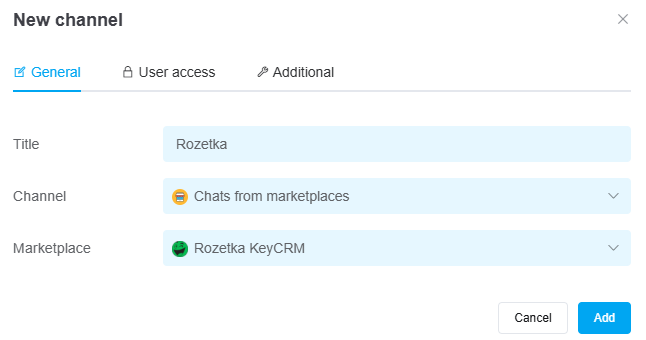
Once you've entered all the necessary settings, click the «Add» button. The channel will appear in the list, and all messages received after you connect will start loading into chats within 5 minutes.
If necessary, you can also configure user access to the channel and additional settings for its operation.
