Gmail is one of the most popular email services. You can connect your email via the IMAP protocol and exchange messages instantly without leaving KeyCRM.
Setting up Gmail
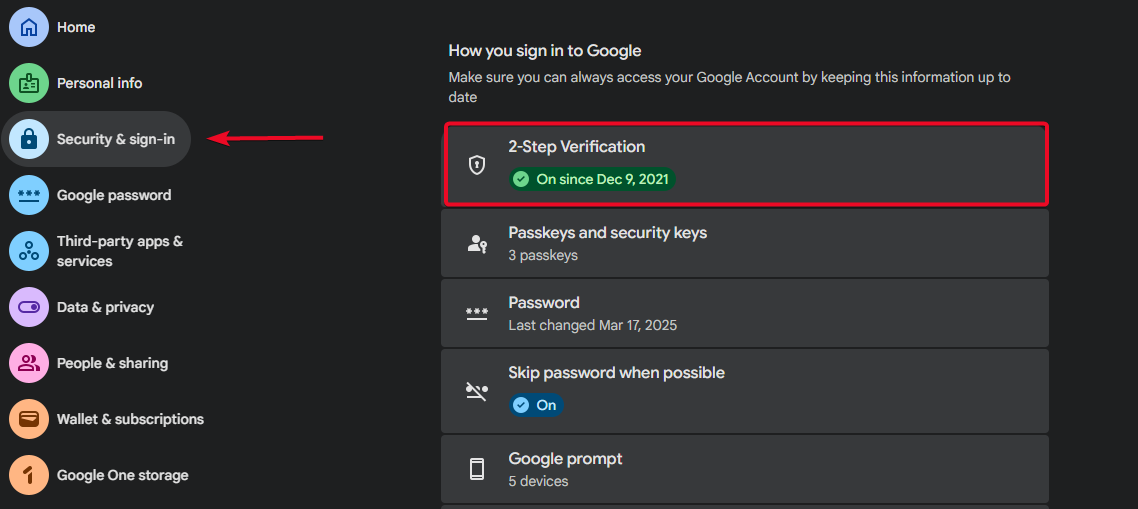
Enable two-step verification in your Google Account settings under the «Security & sign-in» section:
Creating a password for the app
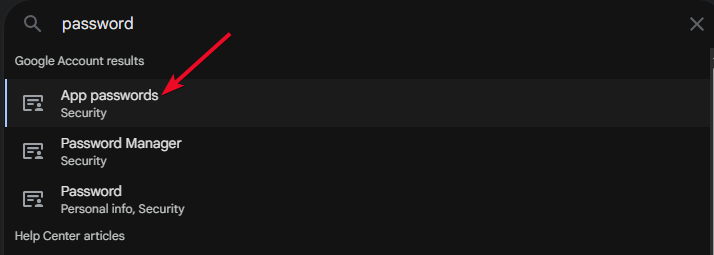
After enabling two-step verification, click the direct link to the «App passwords» section.
Or find it by searching in your Google Account settings:
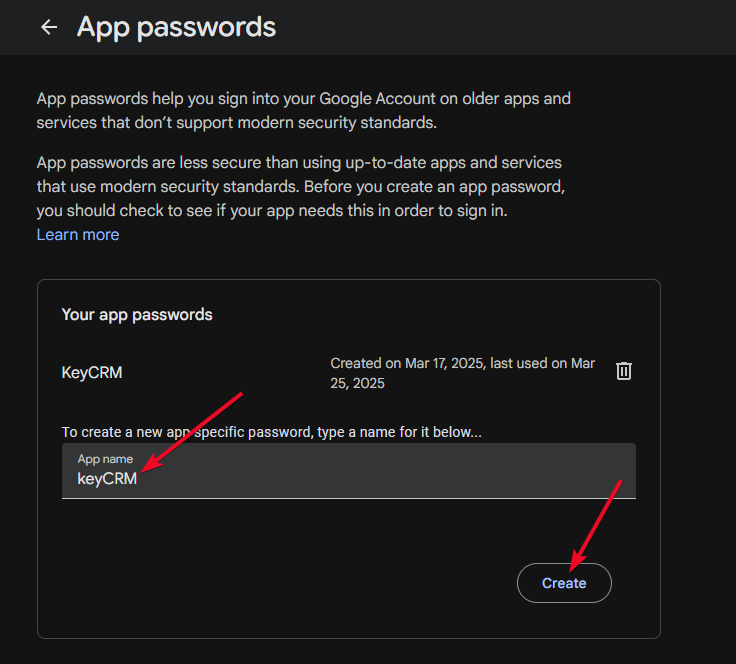
Create a password for the app, which you'll need to enter when connecting Gmail to keyCRM:
Information for connecting Gmail to keyCRM
After configuring your email as described above, proceed to connect it via the IMAP protocol. Here is the information you will need:
-
IMAP host — imap.gmail.com
-
IMAP port — 993
-
SMTP host — smtp.gmail.com
-
SMTP port — 465
-
Username — Your email
-
Password — password from the app
-
Encryption — SSL
Now you can integrate your email, receive messages, and reply to them right in keyCRM!
