1. Why might the pipeline card from Lead Facebook not be saved?
Answer: To save the pipeline card, one of the following fields must be submitted: name, email, or phone number.
2. How can we understand which form the leads come from?
Answer: You can create a custom field named «Form» and select it in the field matches.

3. How to correctly match UTM tags in Lead Facebook?
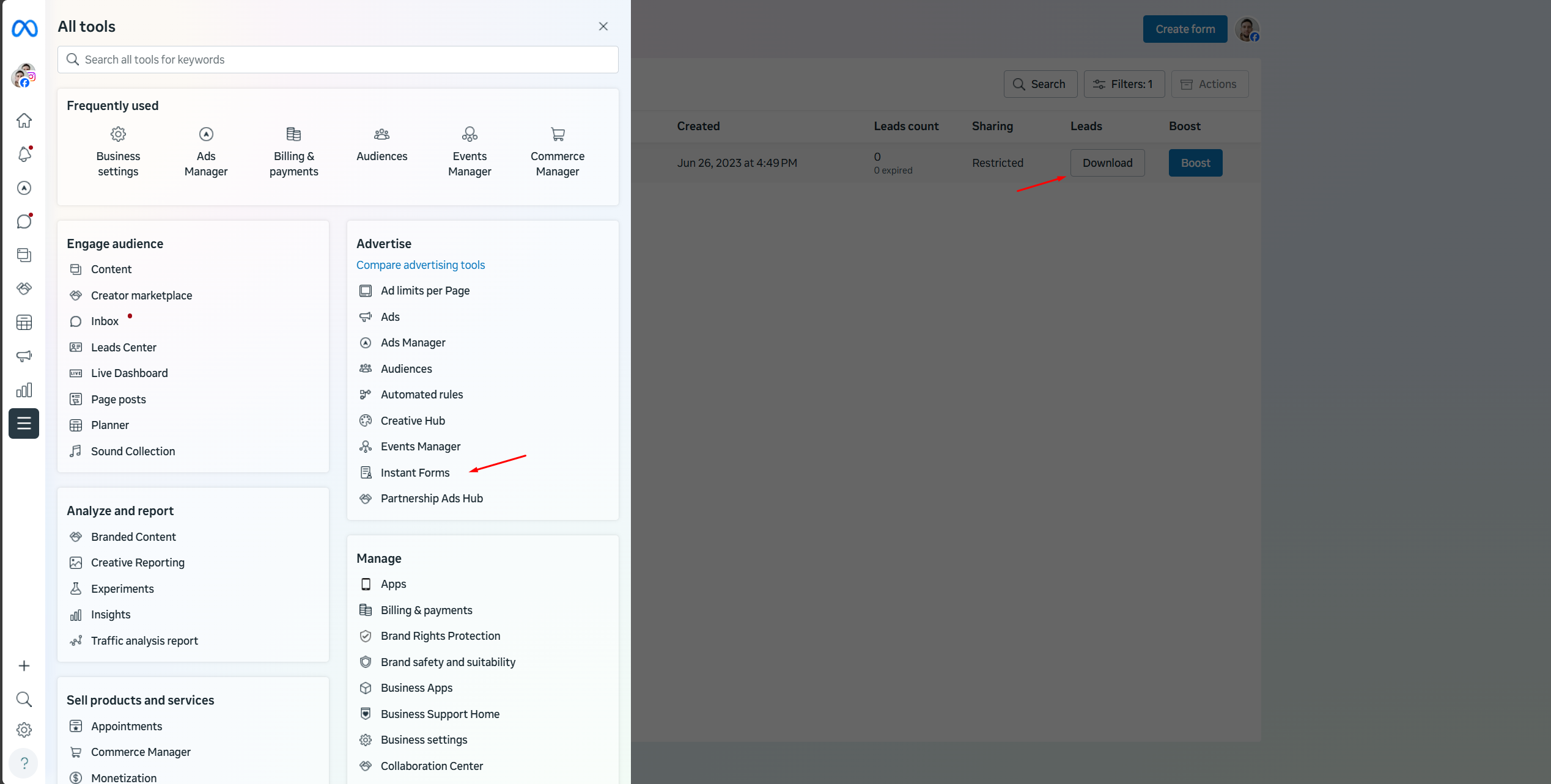
Answer: You need to export leads from Facebook, see what Facebook itself stores, and specify the corresponding fields from the export in the form fields.
Exporting leads from Facebook:
4. Leads from Facebook Lead are no longer coming in. What should I do?
Answer: You need to re-authorize in the Facebook Lead source.
If that doesn't help, contact keyCRM technical support.
Tags: UTM - tags in Facebook leads, Facebook Lead, no leads coming in, pipeline card not saved
